More than an invitation
LimeMoment is the digital home for your event, built for families and individuals as well as planners, churches and businesses. Here is everything it can do.
Invitations and RSVP
Invite people, hear back and keep everyone in the loop.
RSVP
Simple responses with meal choices, access needs and your own questions. Guests never need an account.
Personal invites and QR passes
Each guest gets their own link and QR pass, so their reply is pre-filled and they can return any time.
Reminders and notifications
Gentle reply reminders for guests, and a digest for you. Choose instant, daily, weekly or off.
Add to calendar
Google, Apple and Outlook, plus a downloadable file, straight from the page.
Guest directory and map
Guests can opt in to a directory, find a travel buddy and see where everyone is coming from.
Who's coming, by relationship
Guests say how they know you when they reply, and your dashboard shows the party at a glance: 24 family, 18 church, 12 work.
I'm attending badge
Every attending guest gets a personal badge to share on WhatsApp, Facebook or Instagram, so the excitement spreads on its own.
VIP welcome and private notes
Mark your most special guests as VIP and their welcome turns gold, with a starred badge and a private note only they can see.
Registration
A sign-up flow that fits church, corporate and community events, not just a celebration RSVP.
Gifts, donations and a registry
Let people give, the way that suits your moment.
Cash gifts and a registry
Guests send a cash gift with a note, or pick from a registry of things you would love.
Group chip-in
Experiences a group funds together, like a honeymoon or a wheelchair, with a live progress thermometer.
Donations to a cause
Point guests at a cause close to your heart and collect donations in the same place.
Gift Aid
For charity donations, UK taxpayers can add Gift Aid to give 25% more at no cost. You collect each declaration ready to claim back from HMRC.
Wall of givers
An optional, opt-in wall of first names to thank everyone who gave. Off by default, amounts always private.
Secure payments
Money goes straight to your connected Stripe account. We never see or store card details.
Thank-you list
Every gift in one place with a one-tap thank-you you can copy, tweak and send.
Memories and media
Capture the day and keep it for good.
Gallery
Beautiful photos in a tap-to-enlarge viewer, with guest uploads if you choose.
Photo challenges
Set prompts for guests to capture the day from every angle, with your approval first.
Memory wall
Wishes, prayers and memories, held for your approval before they appear.
Video and voice messages
Guests record a short video toast or a voice note straight from their phone, right on the page. No app to download, just tap and record.
Celebration awards
Fun awards guests vote on, like most travelled or best dancer, revealed on the day.
Highlights reel and best-of
A short film stitched from your photos and clips after the event, plus a one-tap best-of collection of your strongest moments with its own share link, so family and friends who couldn't be there still see the best bits.
Surprise video film
Guests leave short video toasts and we stitch every one into a single film, made for you automatically the day after and emailed when it's ready.
Celebration timeline and story mode
Tell the story year by year, then guests press play and watch it fullscreen, one milestone at a time, like a story made just for your moment.
Memory book and legacy vault
A keepsake book after the day, printable or downloaded as a PDF, plus private long-term storage for photos, letters and recordings.
Celebration newspaper
Download The Celebration Times, a keepsake edition with your story as the front page, guest quotes, award winners and the numbers from the day.
Memory collections
The assistant gathers guest messages into themed collections, school days, church family, work friends, so the recap reads like chapters of your life.
On the day
Tools that shine when everyone arrives.
Tickets and Event Pass
Sell or reserve tickets, including VIP, with capacity limits. Each one becomes a QR Event Pass guests add to Apple Wallet or Google Wallet, and free events get a pass too.
Door check-in
Scan a QR pass or check guests in by name, with a live count of who is in. A manual code entry works when a camera can't.
Welcome screen
Point a tablet at the door and guests are greeted by name, with a little confetti as they arrive.
LimeMoment Live, built in
Go live straight from LimeMoment in Camera Studio: broadcast from your browser or phone, no OBS and no app to install (OBS and pro encoders still work if you want them). You stream in HD, up to 1080p. You get camera flip, a live connection health check and a safety recording saved on your device. You can always see it's actually reaching your guests, with the number watching and a clear status right on the screen you're broadcasting from, so there's no second phone and no guessing. Guests watch on the page with no account, and it records itself so the replay is ready straight after. On the Shine plan and up.
Keep, share and download the replay
After the day, your broadcast becomes a replay guests can watch back on the page. In the Replay Centre you can share the link or download a portable MP4 copy that plays everywhere, made only when you ask for it, so nothing is created unless you want it. Replays are kept for your plan's window (90 days on Shine, 12 months on Signature, and for as long as your plan is active on Agency), and you're always warned well before one is removed. Want to keep one longer? Download the MP4 as a permanent copy you hold yourself, buy a one-off extension, or add a Replay Vault. The safety recording from your device stays yours too. Live is here to bring distant guests into the moment and give everyone a convenient replay, not to replace an event videographer, so if you want cinematic filming and a professionally produced keepsake, the two work well side by side. On the Shine plan and up.
Live chat, reactions and a headcount
Under the broadcast, guests chat, tap quick reactions and see how many people are watching in real time, so the ones who couldn't travel still feel part of the day. The reactions match the occasion, warm and lively for a celebration and gentle and dignified for a funeral or memorial, so nothing feels out of place. Guests can also follow live captions in their own language, and read the words back on the recap afterwards. You stay in control: chat is on by default with a one-tap kill switch, and you can hide any message.
Live moment wall
A full-screen slideshow of guests' photos and toasts for a screen at the venue, updating live.
Seating plan
Arrange tables in a tap: seat the whole church group together, or everyone tagged as school friends, then print a tidy chart.
Event radio
Guests request songs and dedications, approved by you, ready to export to any music app.
Countdown, here and everywhere
A live countdown on the page, plus a widget you can embed on any other website with one copied line of code.
Keep the moment going
The page does not have to end when the day does.
One connected history
Everything that happens to your moment, from the day you publish to every RSVP, contribution, message and announcement, is kept as one honest record in order. Your memory book, replay and reports all read from that same history, so nothing important ever lives in just one place.
Memory Vault, kept for life
Most event pages disappear a week later. Yours is preserved. Nothing is deleted just because time passes, and if a paid plan lapses your moment moves to the Vault, kept safe rather than removed, with restore, download and a full audit history always to hand.
Updates
Post parking notes, reminders and a thank-you message as plans change.
Time capsule
Guests seal messages that stay hidden until a date you choose, then open together. Run one capsule per circle (family, church, school friends) and even keep the messages a surprise from yourself.
Celebration predictions
Ask guests questions like "What will I be doing in ten years?". Answers stay sealed with the capsule, then everything is revealed together.
Future messages
Guests write notes we deliver to an inbox on a future date, like a milestone birthday.
Read it in any language
Guests switch your page into their own language, from Welsh and Polish to Urdu and Arabic.
Printable everything
Print invites, the seating chart and the memory book whenever you need a paper copy.
Analytics
Views, RSVPs, headcount and engagement at a glance.
Make it yours
It always looks designed, then you make it your own.
Visual builder
A tab for every part of your page, from basics to analytics. Add and reorder sections freely.
Themes and layouts
Fourteen designed themes, then swap the section layout, hero style, fonts, corners, background and motion.
Colours from your photo
Pull a colour from your cover photo and your buttons, links and progress bars match across the page.
Smart venue details
Type a venue name or postcode and we fill in the address, map, directions, parking and places to stay.
Sections for every kind of event
Add the parts that fit your moment, and only those.
Weddings
Our story, the bridal party, an order of the day and a honeymoon fund the whole group chips in towards.
Funerals and memorials
An order of service, a tribute wall, the service location and donations to a chosen cause, handled gently.
Church and community
Registration, a programme, a family message, sponsors and resources guests can download.
Conferences and corporate
An agenda, speakers, tickets and a livestream for anyone joining from afar.
Smart and automatic
AI that does the typing, and rules that run the routine for you.
Automations
Set a rule once and your moment runs it. When something happens, a guest RSVPs, the day arrives, a milestone passes, the action you choose fires on its own, like an email to your team or a thank-you to a guest. On the Signature plan and up.
Start from a line
Describe your moment in a sentence and AI drafts the title, date, venue and a matching design to review.
Your own event concierge
Your moment gets its own assistant on the dashboard that reads the day and tells you the most useful next step, from adding a date to chasing replies to sharing the recap. On the Signature plan you can ask it anything about your event and get a straight answer in seconds, drawn only from your own details.
AI assistant
Drafts invitations, FAQs, schedules and thank-you messages in your tone.
Personal thank-yous, at scale
Write one thank-you and AI turns it into a personal note for every guest, mentioning how they know you and the town they travelled from.
AI tribute writer
Drafts tributes, speeches and life stories for funerals, retirements and milestones.
AI event chatbot
Guests ask questions on your page and get instant answers from your event's own details.
Trust, privacy and access
Built to be safe, fair and open to everyone.
Accessibility
Built to WCAG 2.2 AA, with reader support on every page: high contrast, larger text, dark mode and read aloud, plus a plain English mode that rewrites the page in shorter, simpler wording (on the Glow plan and up).
Privacy controls
Public, password-protected or private moments, and per-section choices over what guests see.
Consent and GDPR
Consent asked before anything public, recorded with a timestamp, and reversible at any time.
Moderation
Photos and messages wait for your approval, so nothing appears on your page without your say-so.
Sharing and your own address
One link, on your terms.
Share in a tap
A QR code and one-tap WhatsApp share, plus a social preview you control.
Custom subdomain
your-event.limemoment.com from the Shine plan.
Custom domain
Use your own web address on the Signature plan.
SEO and social preview
Control your title, description and the card that shows when the link is shared.
For planners and teams
Run many moments, your way.
Co-hosts
Invite teammates to help build and manage a moment together.
Vendor management
Keep your suppliers in one place, the photographer, caterer, florist and venue, with their contact, cost, booking status and a payment reminder before each one is due. Credit the ones you choose on your moment page. On the Signature plan and up.
Client folders
Group moments by client or event so a busy planner stays organised.
Reusable templates
Save a moment as a template and duplicate it for the next event in a click.
White-label and reporting
Put your own brand on moments and emails, with reporting across every event you run.
The bits guests still talk about
Anyone can collect an RSVP. These are the touches that turn a page into a moment people remember, and they take minutes to switch on.
Go live, and watch it together
LimeMoment Live broadcasts your moment straight from your browser or phone, no other app. Guests watch on your page with no account, then chat and react as it happens while they see who else is watching. It records itself for the replay. It's the part hosts say they can't find anywhere else.
A surprise film of video messages
Guests leave short video toasts through the day. The morning after, we've stitched every one into a single film and it lands in your inbox. Friends, family and the church choir, back to back. Bring tissues.
Your life, played as a story
Build a timeline of milestones, then guests press play and watch it fullscreen, one chapter at a time. Childhood photos, the wedding, the big move. Perfect for a 50th, a retirement or a celebration of life.
Badges guests love to share
Every attending guest gets a personal "I'm attending" badge for WhatsApp, Facebook or Instagram. One tap and your moment is doing its own marketing in every group chat.
Gold treatment for VIPs
Mark Mum, your pastor or a sponsor as VIP and their welcome turns gold, with a starred badge and a private note written just for them. Nobody else ever sees it.
Your own front page
Download The Celebration Times, a keepsake newspaper with your story as the lead, guest quotes in columns, award winners and the numbers from the day. Print it, frame it, hand it round at the next gathering.
Tickets and a pass for the door
Sell or reserve tickets, including VIP, right on your page. Every ticket becomes a QR Event Pass guests add to Apple Wallet or Google Wallet, and you scan them in at the door or check them in by name. RSVP guests get a pass too.
A camera in every guest's pocket
Switch on the guest camera and people snap and share photos straight from your page, no app to download. You approve each one, then it lands in the gallery and up on the big screen.
A welcome screen at the door
Point a tablet at the entrance and guests are greeted by name as they arrive, with a little burst of confetti. It sets the tone before they've even taken their coat off.
Type one line, get a whole page
Describe your moment in a sentence and we draft the title, date, venue and a matching design. You go from blank page to nearly done in seconds.
Everyone chips in together
Instead of ten small gifts, your guests fund one big thing, a honeymoon or a special trip, and watch the total climb. Giving becomes part of the fun.
Seal a time capsule
Guests write messages that stay locked until a date you pick, answer prediction questions like "Where will I be in ten years?" and seal a capsule per circle, family, church or school friends. You can even keep it a secret from yourself until it opens.
Awards guests vote on
Best dancer, most travelled, biggest surprise. Guests vote through the night and you reveal the winners on the day. Expect laughter.
A wall of thanks
Everyone who gave can choose to be named on a lovely wall of givers. It's off by default and amounts stay private, so it's warm, never awkward.
Video and voice toasts
Can't make it, or too shy on the night? Guests record a short video or a voice note right on the page, no app to download. Tap, record, done.
The big screen at the party
Put the live moment wall on a projector or TV and the room fills with guests' photos and toasts as they share them. Expect plenty of laughs. Only the bits you've approved appear.
Whatever you switch on, consent is always asked and you approve what appears. We take data protection seriously. See how we handle data.
Made for real moments
Everything your guests need, from the first invitation to the last thank-you.

Share the moment.
One beautiful link.Send it by WhatsApp, email or QR code.

RSVP in seconds.
No account needed.Guests just tap your link and reply.
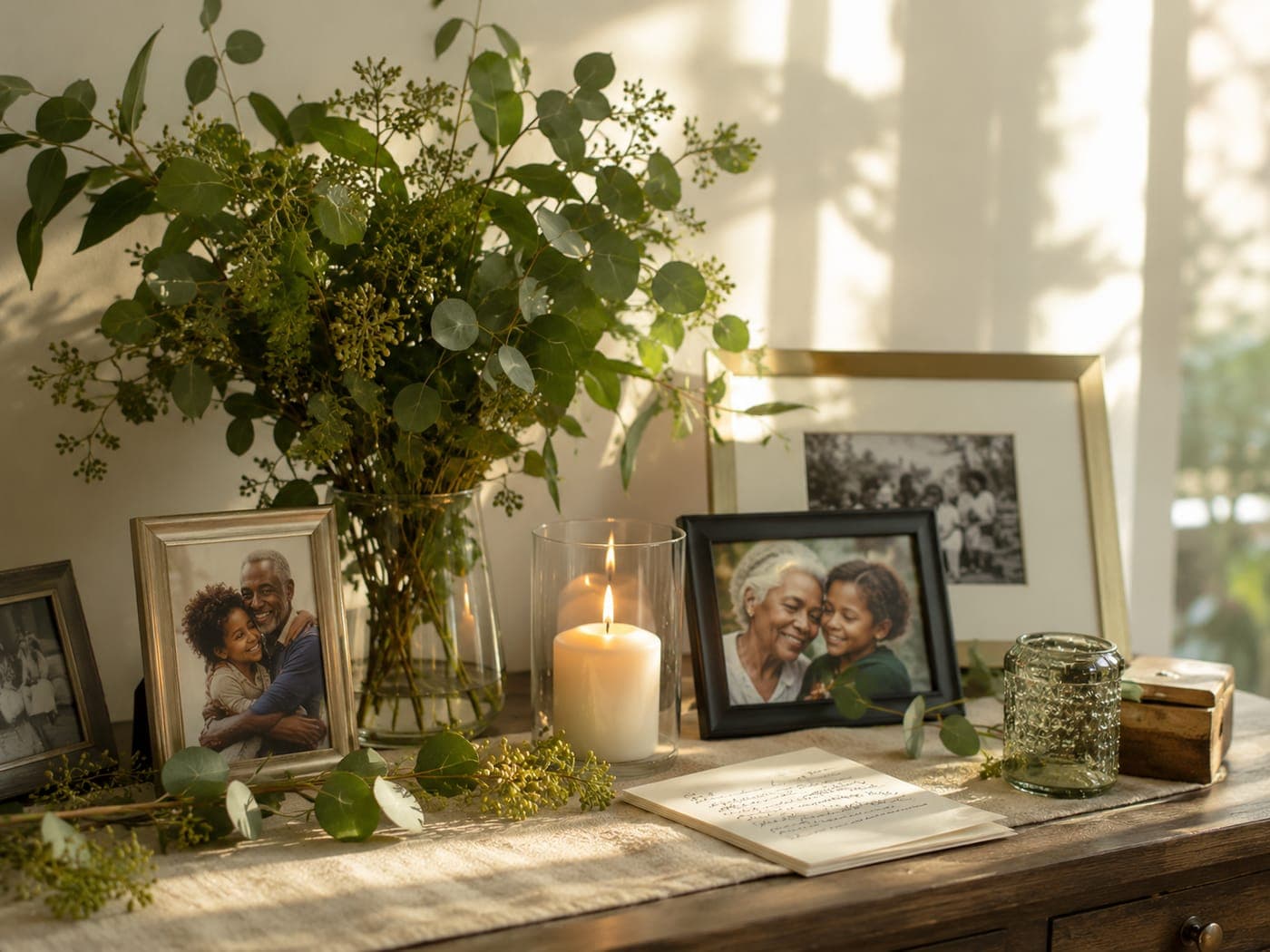
Memories that last.
A wall of wishes.Moderated before they appear, and yours to keep.
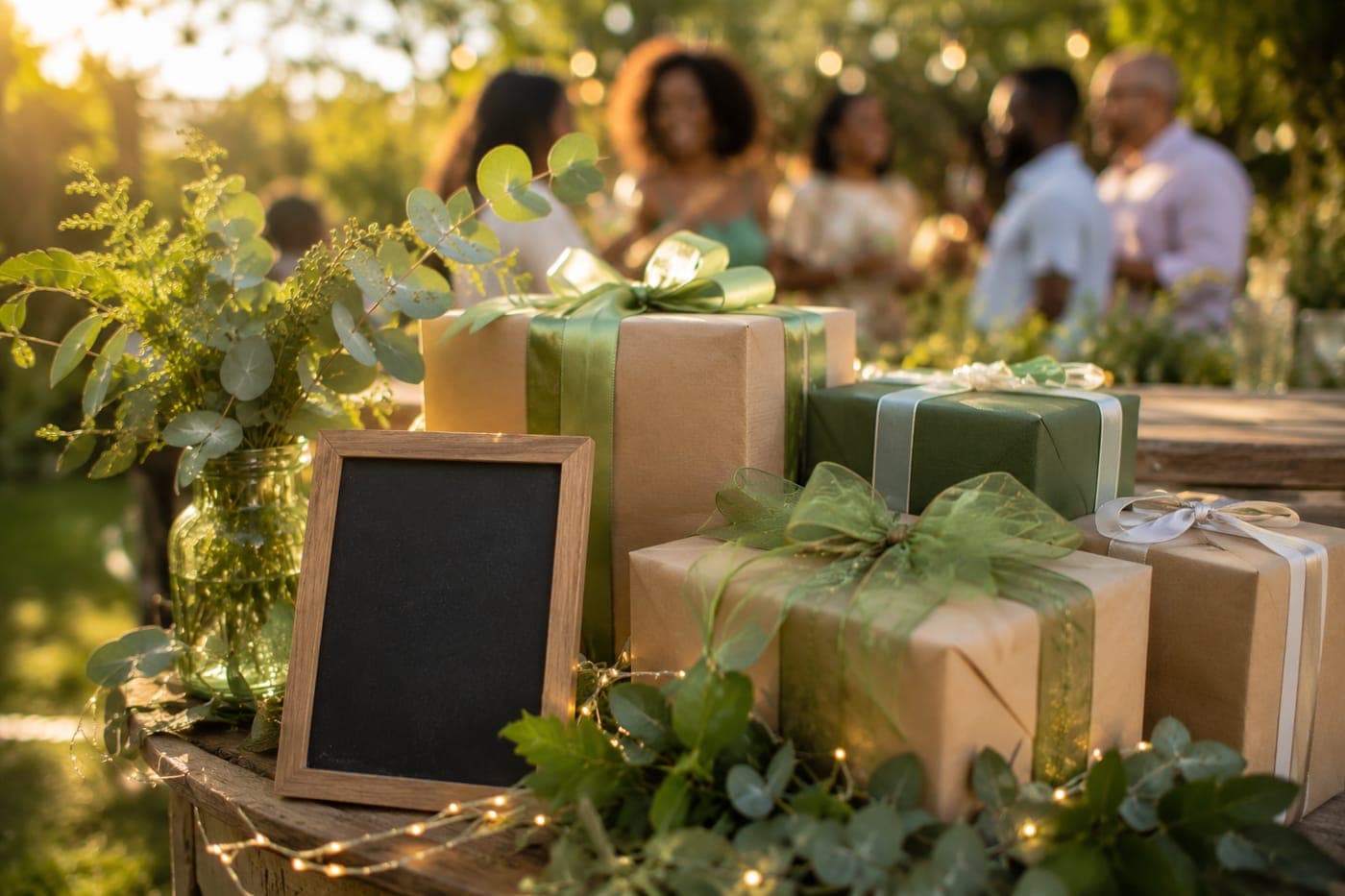
Gifts and donations.
Securely, in one place.Cash gifts, contributions and causes.

Help guests get there.
Travel and stays.Directions, parking and nearby hotels.
Everything in one link.
The digital home for your moment.RSVP, gifts, memories and more.
New here? See how it works in five steps, or browse the questions other hosts ask.